iPhone
The remote in your pocket.
- Liquid Glass in the tab bar and the mini player.
- Ask Siri to turn the receiver up, mute it, or find a station.
- Volume, power, mute and your favorites as actions in the Shortcuts app.
For Denon & Marantz receivers
One app for your iPhone, iPad, Mac and Apple Watch, with the volume close at hand.
Free for 14 days, then one purchase for every device.
One app, four platforms
Dial is a fully native app, quick and responsive, built using Apple’s own tools. No web views, no one-size-fits-all port: on each device it looks and works like the apps that came with it.
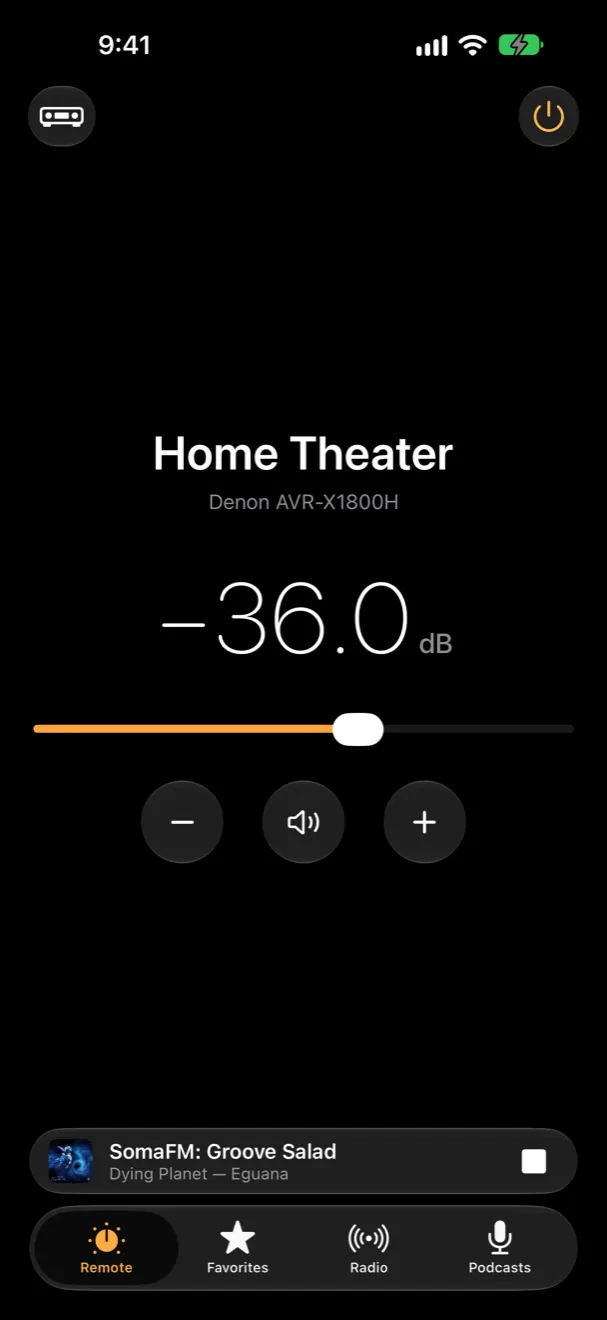
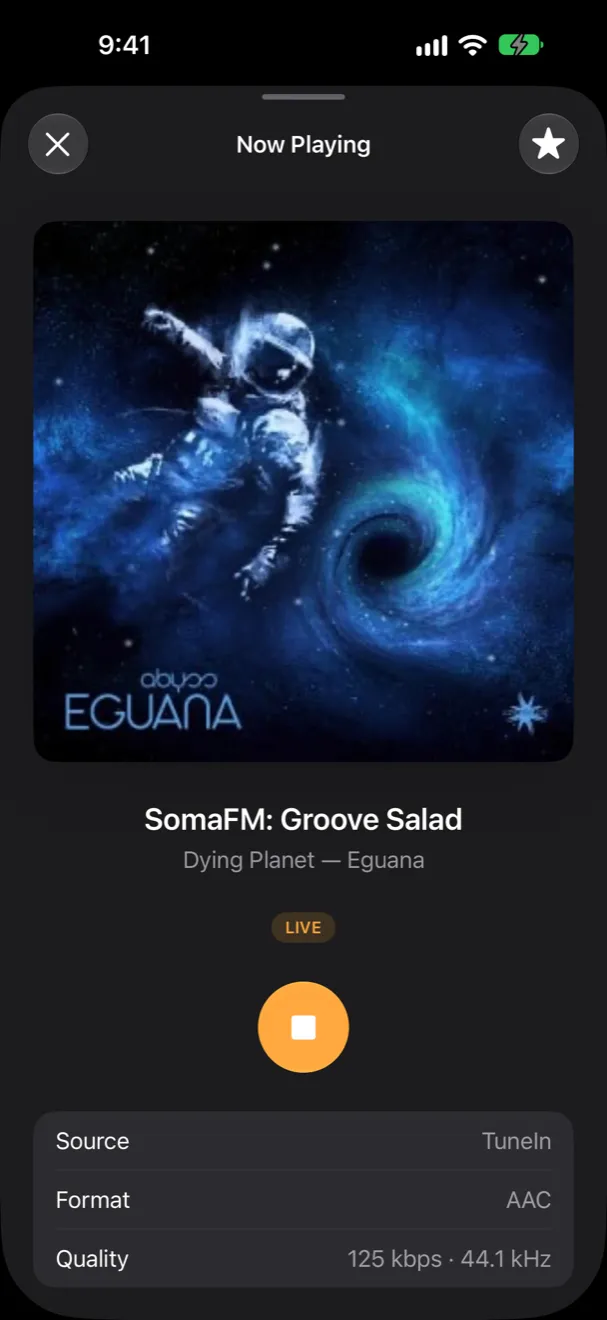
iPhone
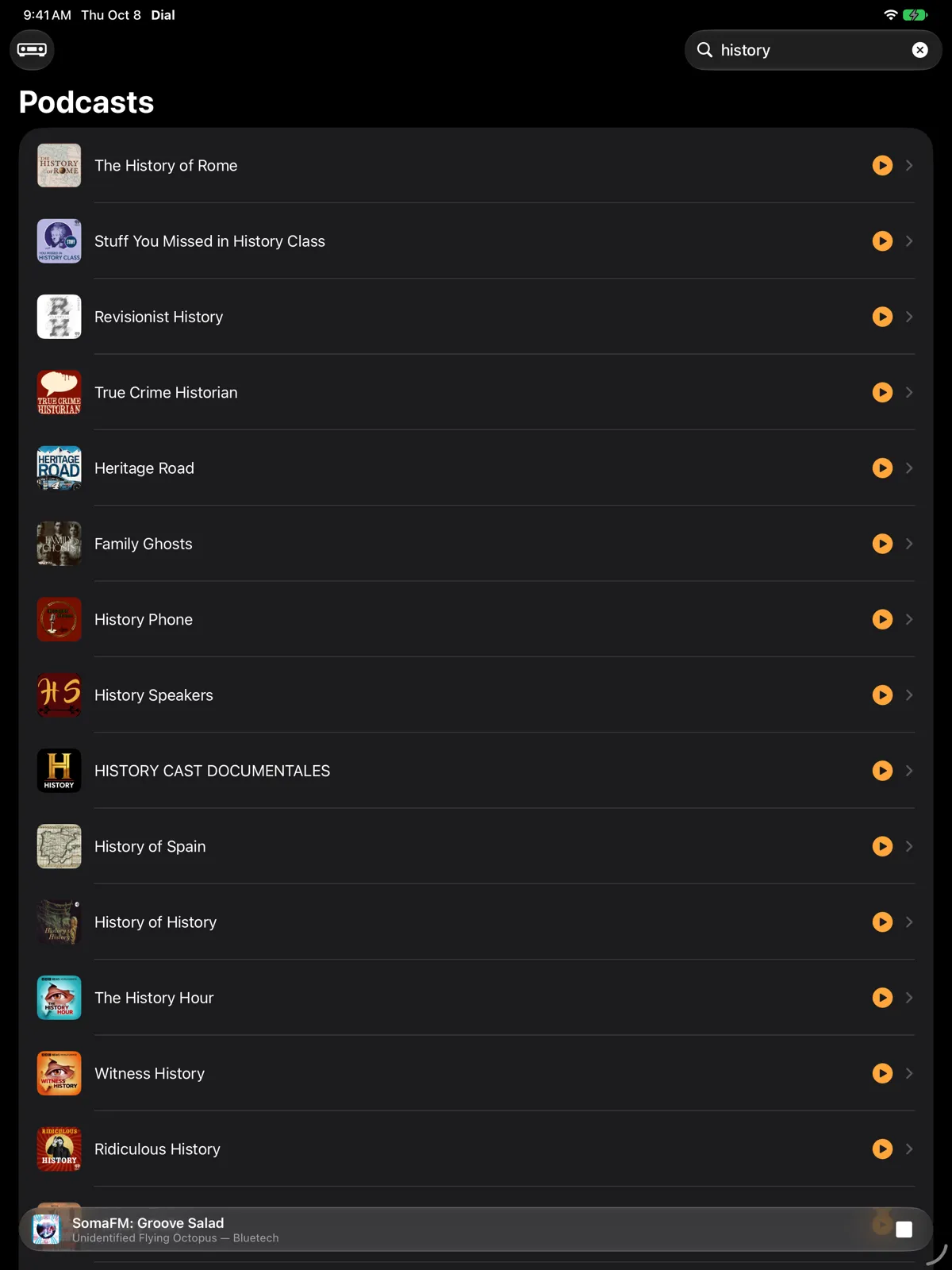
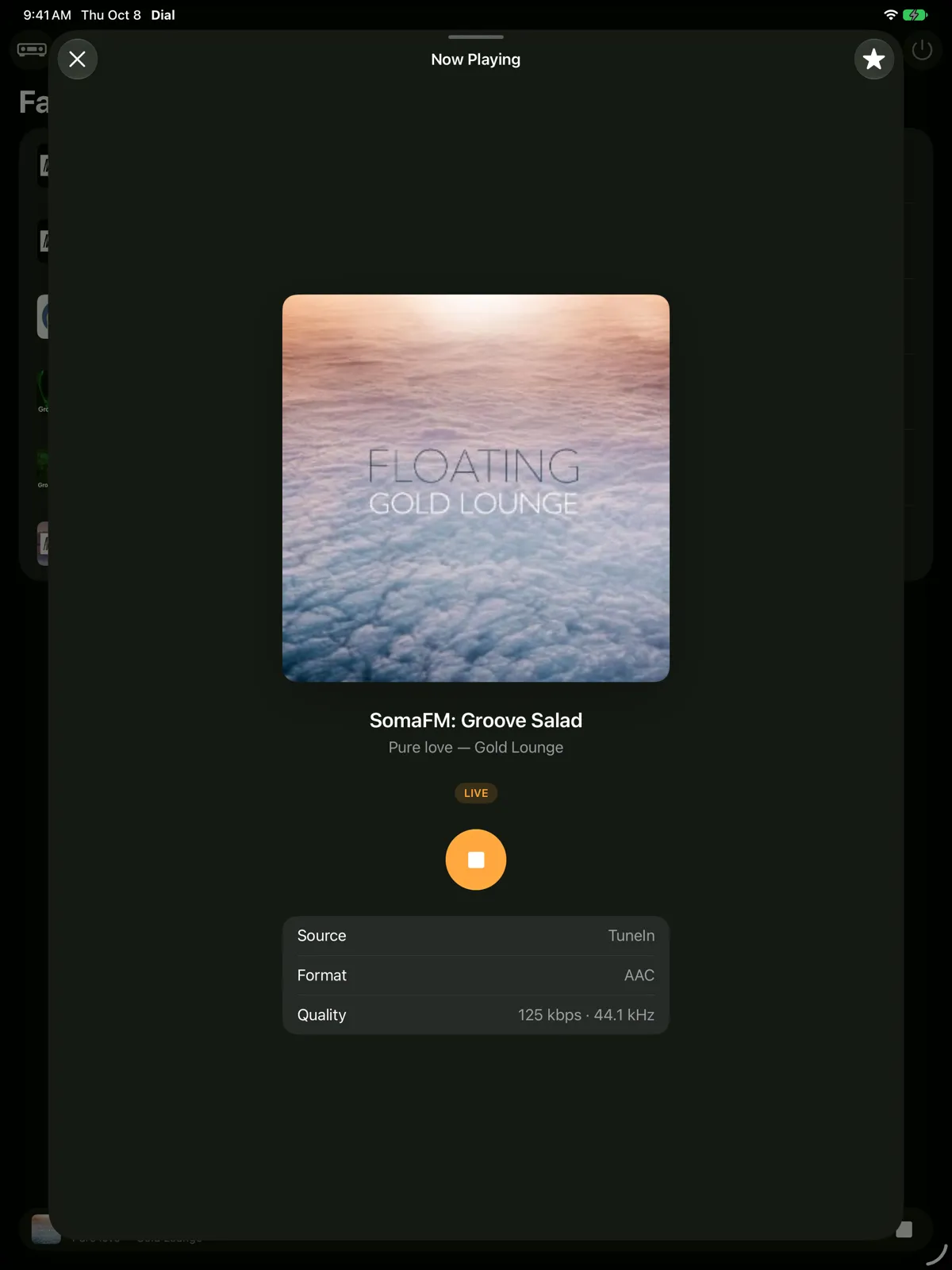
iPad
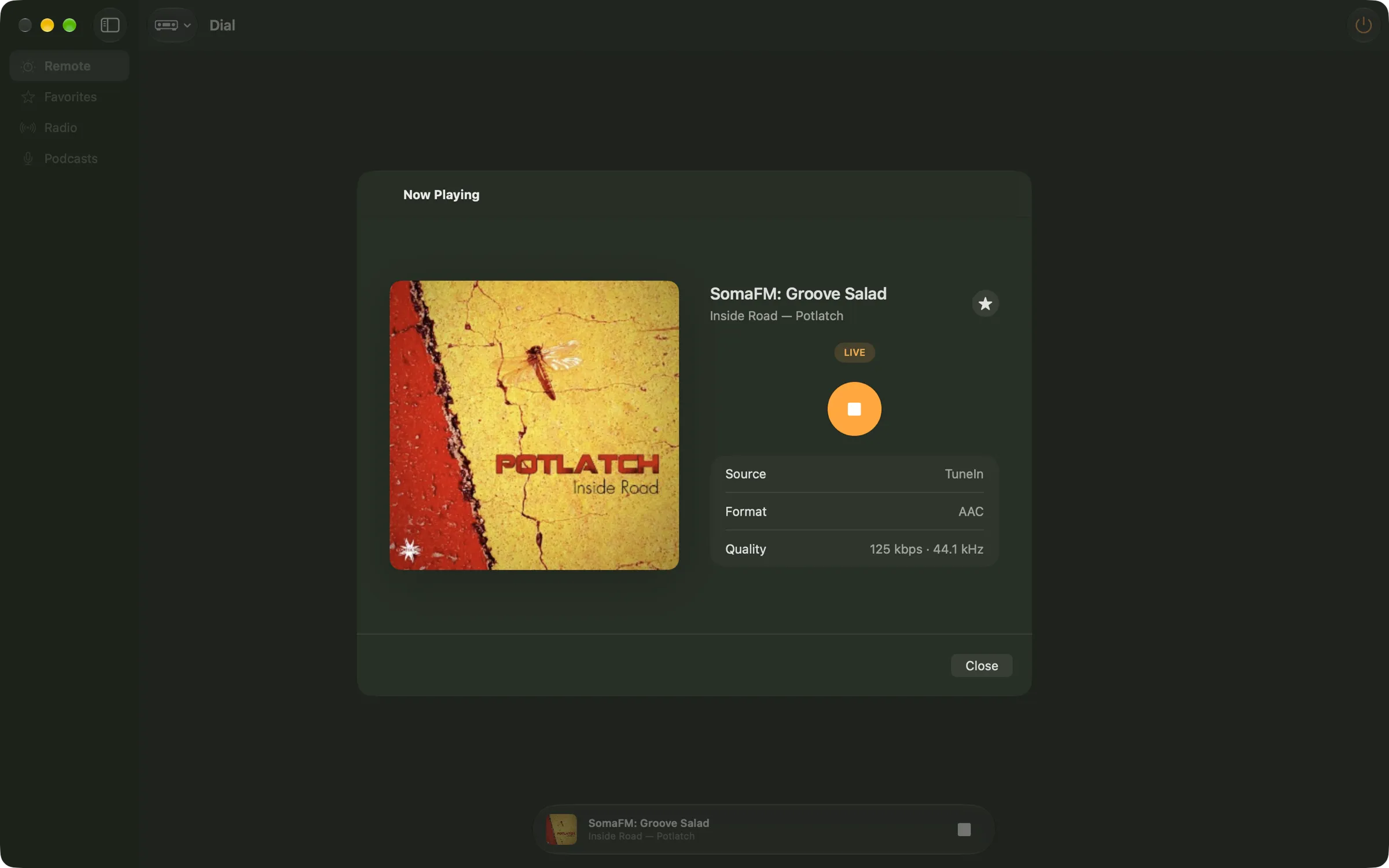
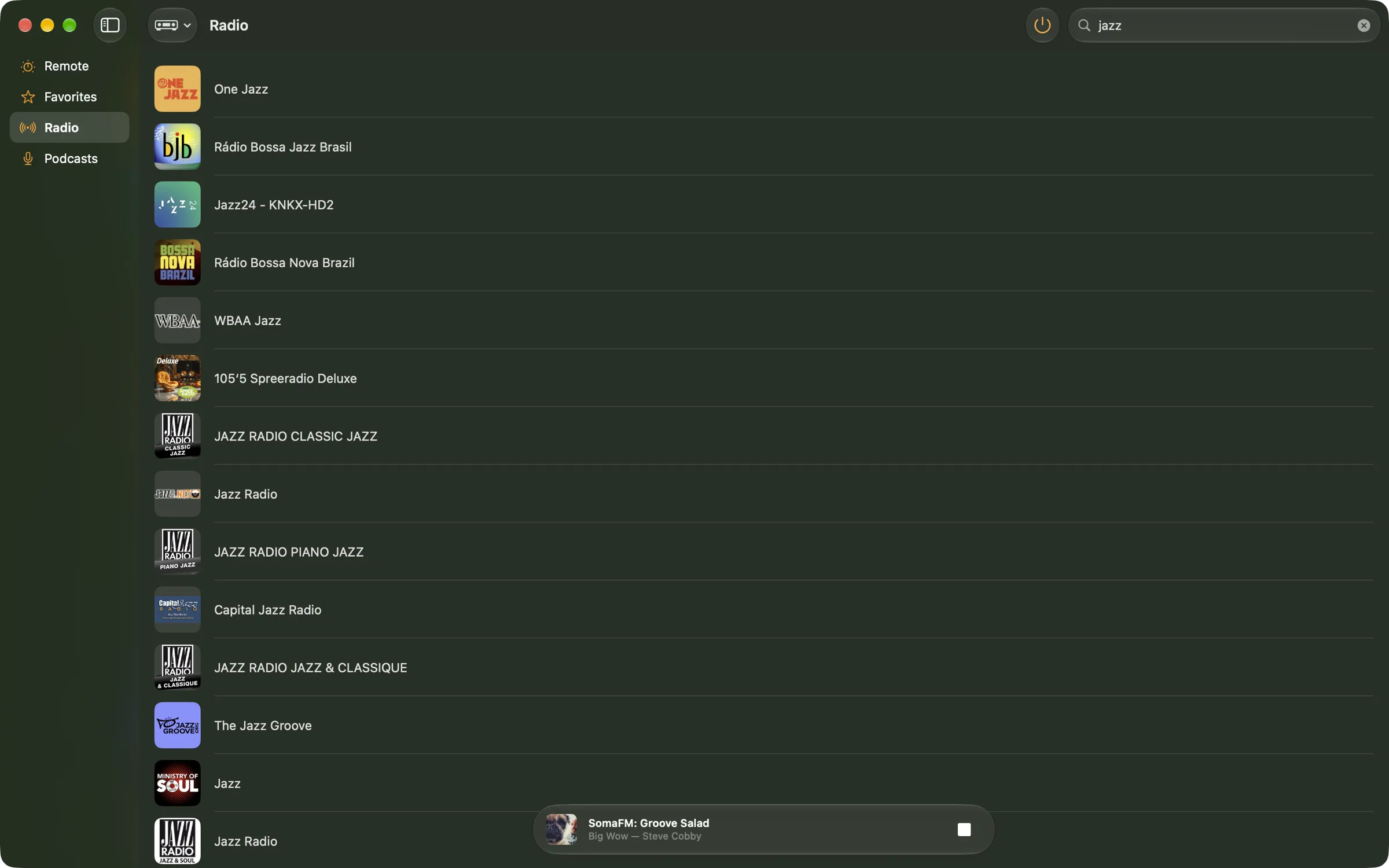
Mac
The receiver’s own app isn’t on the Mac. Dial is, all of it.
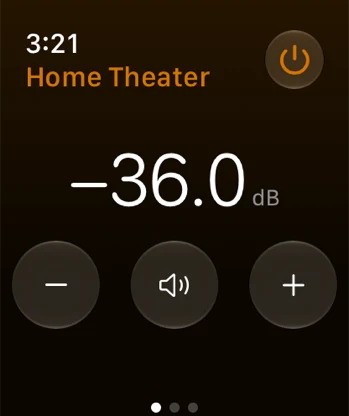

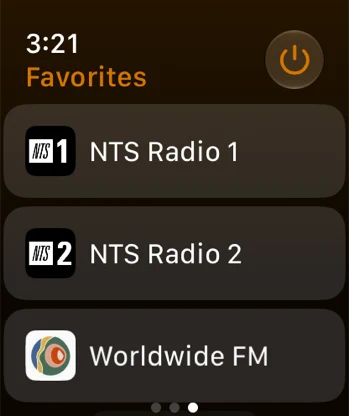
Apple Watch
The remote
A big, clear volume control that reads exactly what the front panel does, with mute and power beside it. More than one receiver? Switch between them in a tap.
Home Theater Denon AVR-X1800H
Go on, turn it up. This one isn’t connected to anything.
Radio and podcasts
Browse TuneIn the way your receiver sees it: local radio, music, talk, sports and news, by place or by language. Podcasts by category, with every episode. Search for anything, tap, and it plays on the receiver.
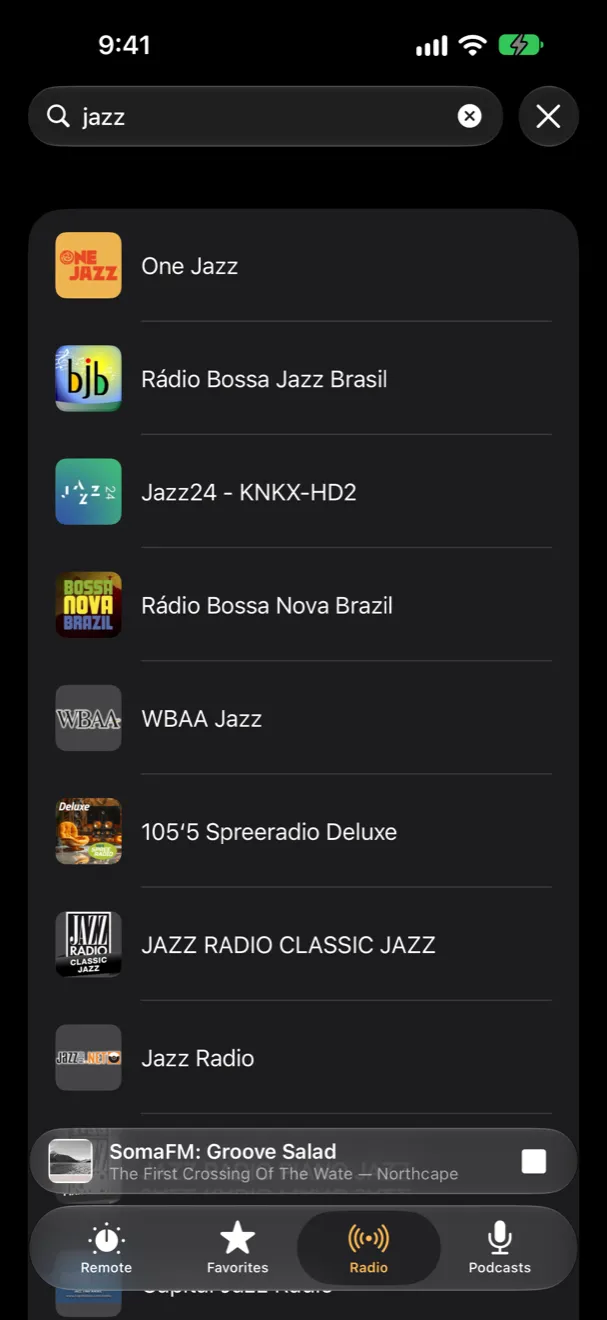
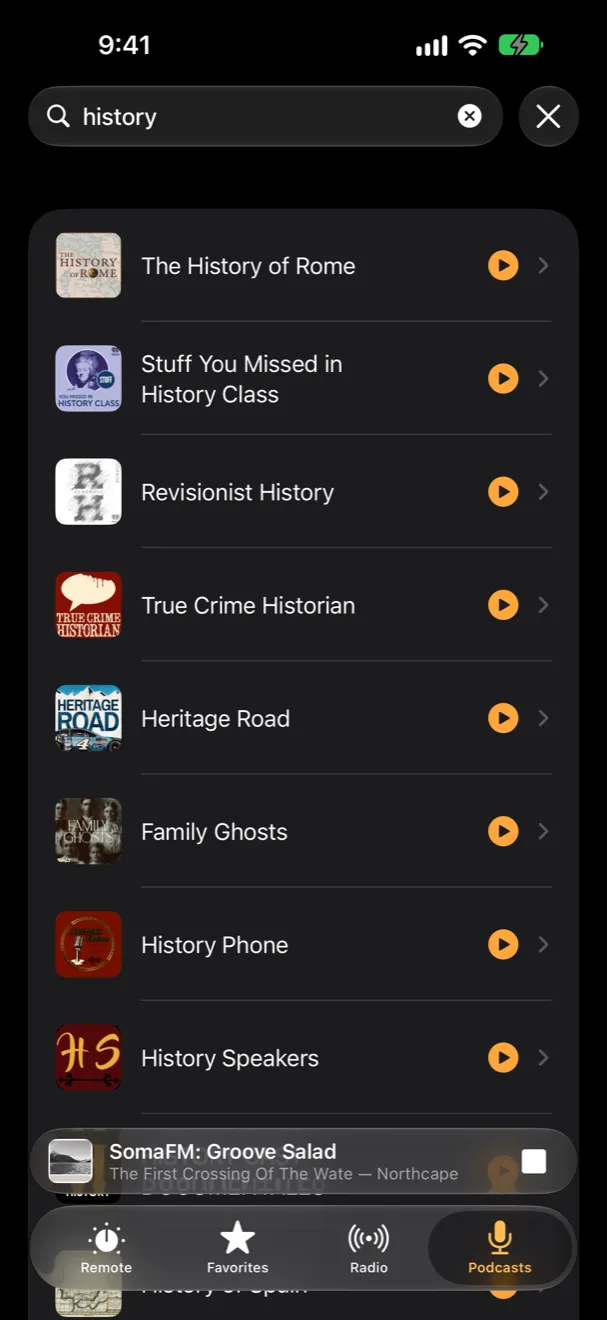
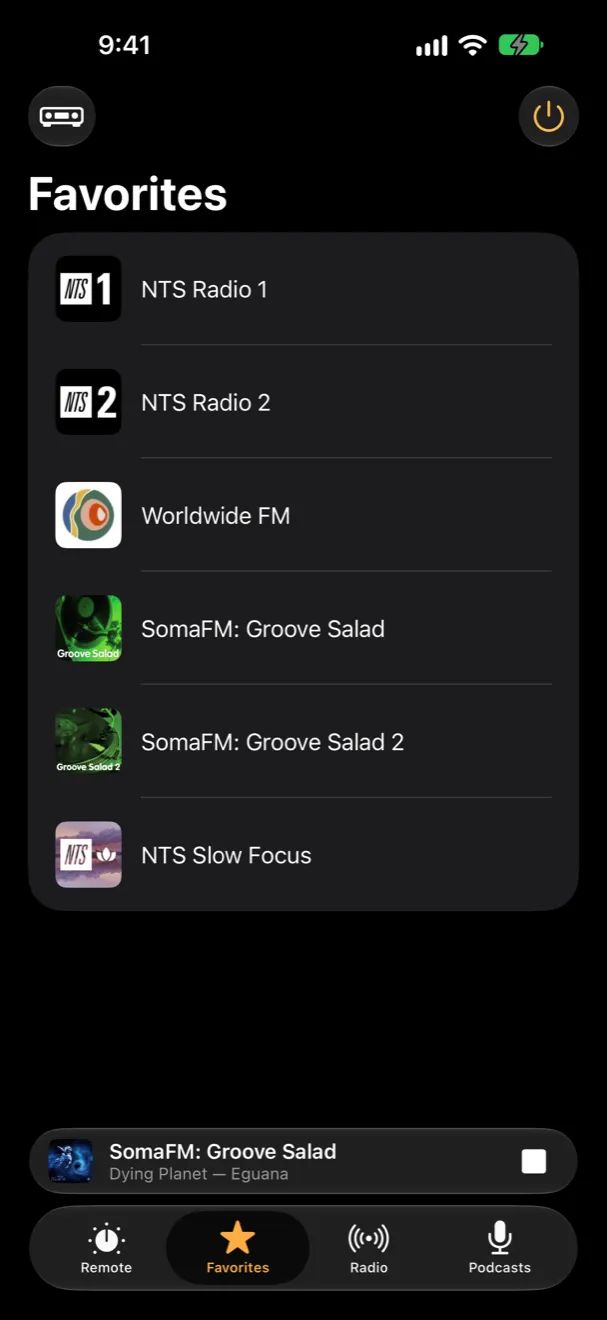
Built in
Volume, mute, power, a station or a favorite, as actions for your own shortcuts and automations.
VoiceOver reads the volume in decibels and turns it with a swipe. Text follows your chosen size.
Sixteen tints, eight vivid and eight quiet. Your watch takes on your iPhone’s. Try one on this page.
No setup: Dial finds Denon and Marantz receivers on your network by itself, or you add one by its address.
Free for 14 days
Private
No account, no analytics, no tracking. Dial talks to your receiver, and to TuneIn for station artwork. That’s all.
Read the privacy policy →Questions? See Support, or write to dial@montnoir.dk.